
Step counter for iPhone & Android
Bear Walking Pal
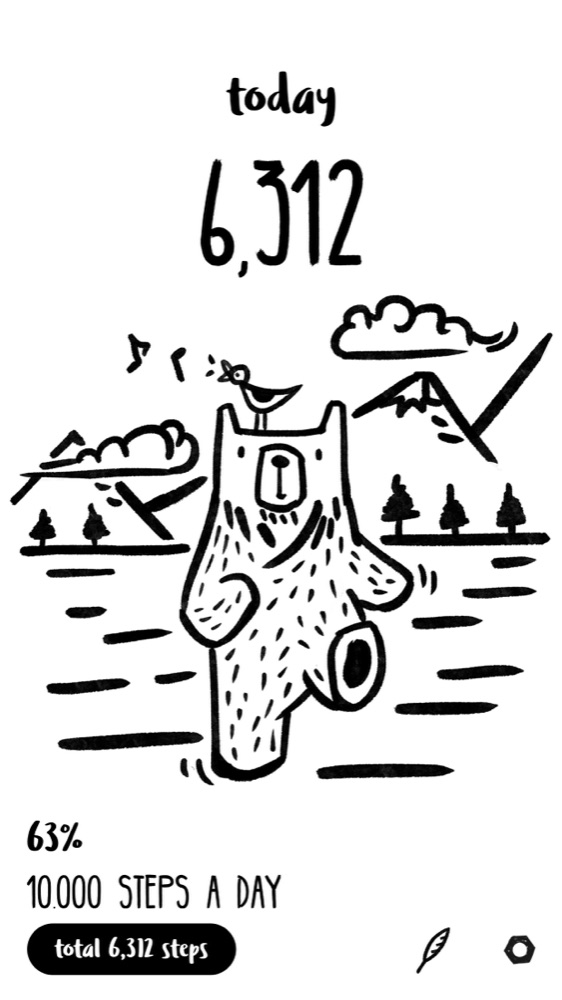
A friendly step counter with Tom the bear. See your daily movement, work toward a walking goal, and celebrate each small achievement with Tom.
A look inside
The feature guide and screenshots below show the iPhone version. See Google Play for Android features and device support.
Small things that make a difference
A daily goal, one step at a time
Choose a daily target of 4,000, 7,000, 10,000, or 15,000 steps. See steps, distance, and activity estimates from available motion and Apple Health data.
Progress close at hand
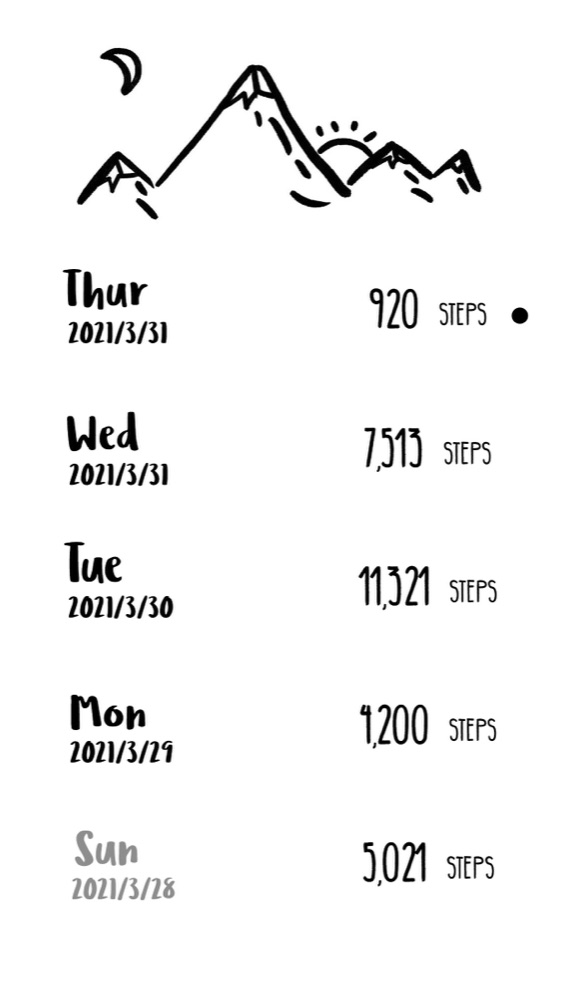
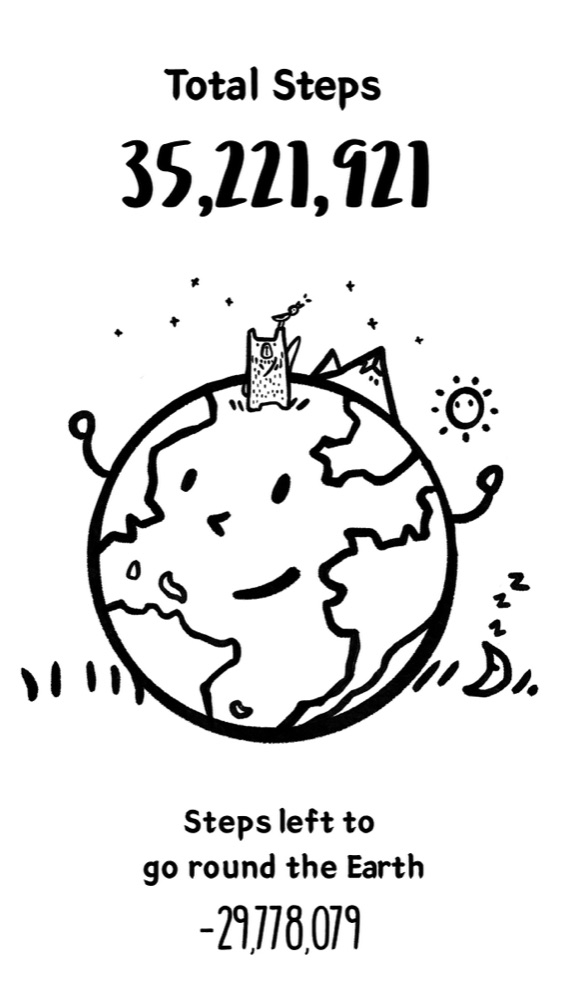
Review daily, weekly, monthly, and yearly trends. Home Screen widgets and Apple Watch complications keep your steps within easy reach.
Remember your walks
The optional Premium Upgrade adds voice Walk Notes, Calendar View, the Ddakji collection, and iCloud backup. Capture an observation or idea from a walk on iPhone or Apple Watch.
Getting started
- Open the app and grant the requested activity permissions to show available step data.
- Choose a daily walking target that suits you.
- Check your progress during the day and review your walking history.
A practical guide
Questions & answers
Does Bear Walking Pal use Apple Health?
Yes. It integrates with Apple Health through HealthKit. Step and activity estimates depend on available data, permissions, your device, and how you carry it.
Which features require Premium?
Calendar View, the Ddakji collection, Walk Notes, and iCloud backup are included in the optional Premium Upgrade. See the App Store and the app for current purchase details.
Support
Questions or feedback? Get in touch at [email protected]