
Quick notes & Home Screen widget for iPhone
blink
Catch a thought before it disappears. blink is a simple iPhone note app for quick ideas, grocery lists, to-dos, and reminders, with a Home Screen widget to keep them close.
View on the App StoreA look inside
Small things that make a difference
Open, type, done
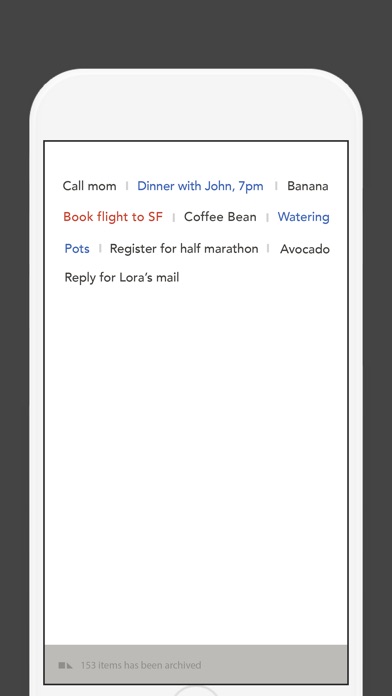
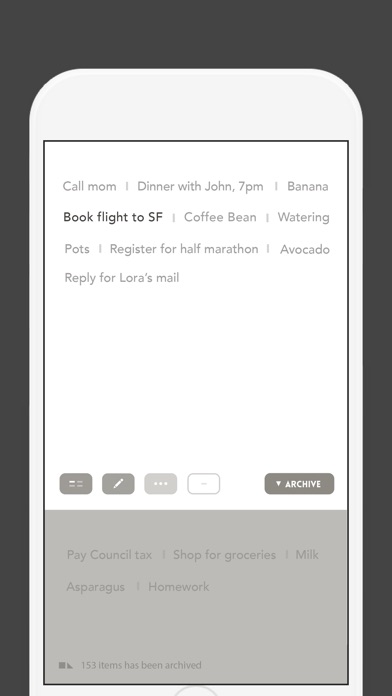
Start typing as soon as you open the app. A simple layout puts your notes at a glance, without folders, tags, or notebooks to organize.
Make the important things stand out
Mark an important note in red. Red-marked notes can remind you every hour until done, so a small task is easier to remember.
Keep a thought within reach
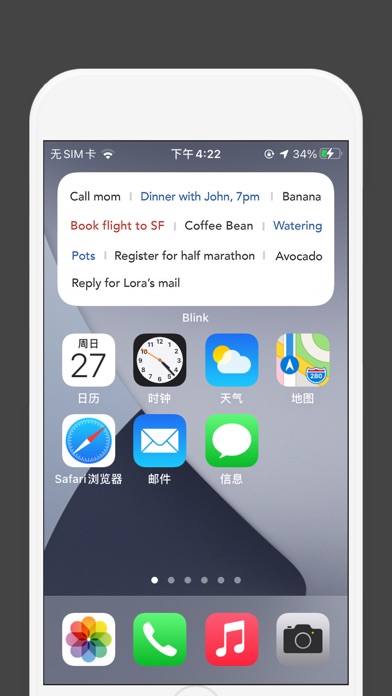
Read notes from the Home Screen widget, or use voice dictation to capture a thought. Useful for an idea on the go or a short shopping list.
Getting started
- Open blink and type the thought you want to keep.
- Mark an important note in red when you want it to stand out.
- Add the Home Screen widget to see your notes without opening the app.
A practical guide
Questions & answers
Can I view notes on my Home Screen?
Yes. blink includes a Home Screen widget, so you can check your notes without opening the app.
Does blink have folders or notebooks?
No. blink keeps note-taking simple, with a layout for seeing notes at a glance and priority markers for important items.
Support
Questions or feedback? Get in touch at [email protected]