
Pomodoro timer for iPhone
Bear Focus Timer
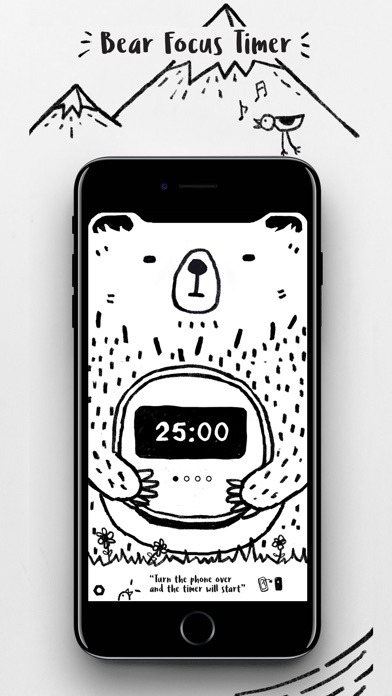
Turn your phone over and find your focus. Bear Focus Timer pairs adjustable Pomodoro sessions with Tom the bear and gentle forest-style white noise.
View on the App StoreA look inside
Small things that make a difference
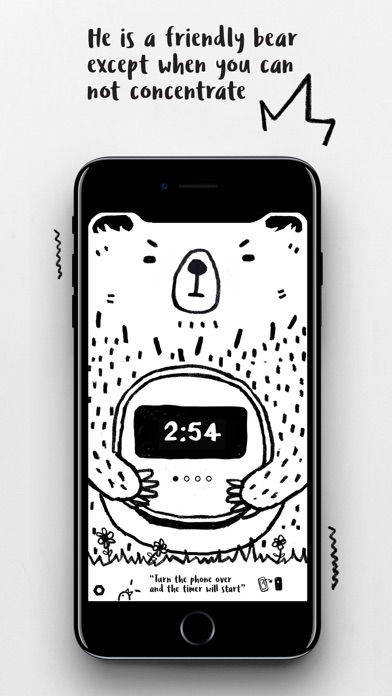
Flip to focus
Choose your focus time and place your iPhone face down. Keep the screen out of sight while you study, read, write, or work on one task.
Your own focus rhythm
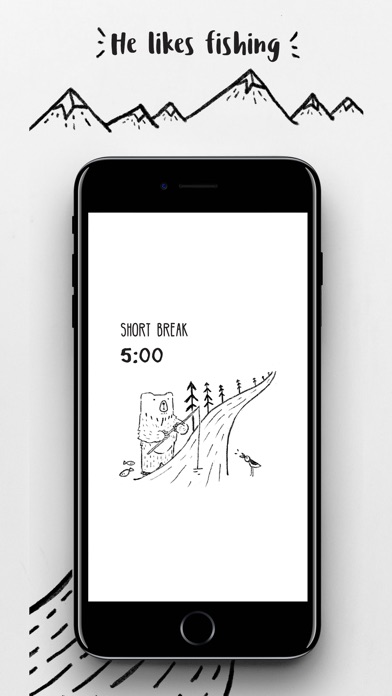
Adjust focus and break durations to suit your day. Alternate a focused session with a pause, then begin again.
A little encouragement
Finish a session to receive an illustrated praise card. Optional nature-inspired sounds keep you company, and Apple Watch support brings focus and break timing to your wrist.
Getting started
- Choose the length of your focus session and break.
- Place your iPhone face down and spend the session on one task.
- Take a break when the session ends, then return when you are ready.
A practical guide
Questions & answers
What is a Pomodoro timer?
A Pomodoro timer divides time into focused sessions and breaks. Bear Focus Timer lets you adjust both durations for studying, work, or everyday tasks.
Does it work with Apple Watch?
Yes. The Apple Watch version supports focus and break timing. Alerts and session behavior can vary with device and operating system settings.
Support
Questions or feedback? Get in touch at [email protected]